How to check your data balance and plan validity
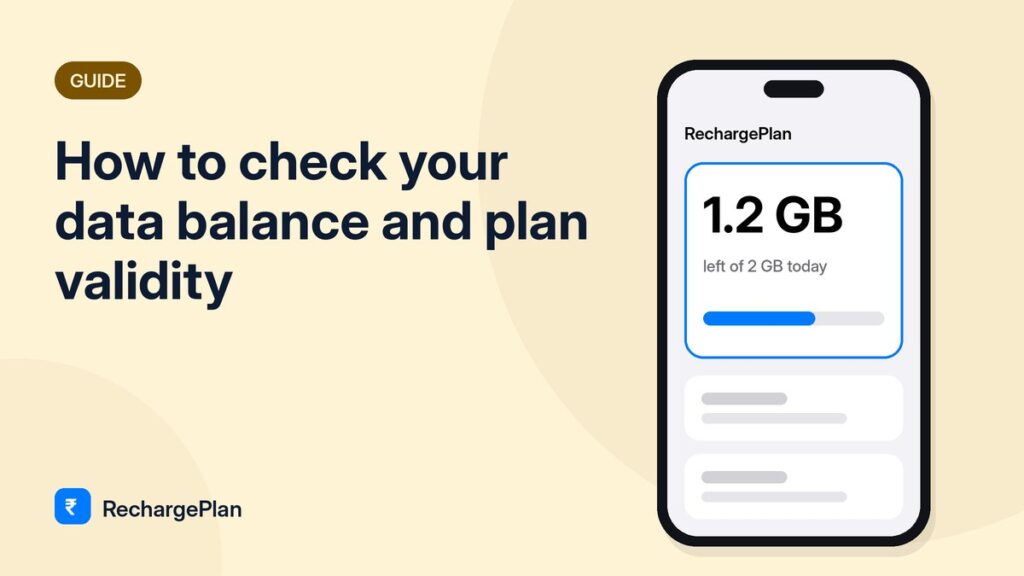
Quick answerOpen your operator’s official app: MyJio, Airtel Thanks, Vi or BSNL Selfcare. The home screen shows data left today and when your plan ends. Your phone’s mobile data settings show how much you have used.
Running out of data or validity at the wrong moment is annoying. Here is how to check both in a few seconds.
Use the official app
| Operator | App | Where to look |
|---|---|---|
| Jio | MyJio | Home screen shows data left today and plan expiry |
| Airtel | Airtel Thanks | Tap your number on the home screen |
| Vi | Vi app | Home screen, under your active pack |
| BSNL | BSNL Selfcare | My Account or Usage |
These apps also show your current plan’s benefits and any OTT subscriptions you need to activate.
Check on your phone without an app
- Android: Settings → Network & internet → SIMs → App data usage shows how much you have used this cycle.
- iPhone: Settings → Mobile Data shows usage since the last reset. Reset it on recharge day to track each plan.
Your phone shows what you used, while the operator app shows what you have left. Use both together.
Set a reminder
Add a calendar reminder two days before your plan ends. Most operators also send an SMS, but a reminder helps you choose a better plan instead of rushing to recharge the old one.
Avoid these
- Third-party apps that ask for SMS or contacts permission just to show your balance.
- Links in messages saying your plan is “expiring today, click to renew”. Open the official app yourself instead.
Frequently asked questions
How do I check Jio data balance?
Open the MyJio app. The home screen shows today’s remaining data and your plan expiry date.
How do I check Airtel validity?
Open the Airtel Thanks app and tap your number on the home screen.
Are balance-check apps from the Play Store safe?
Avoid third-party apps that ask for SMS or contacts permission. Use the official operator app.